Central libraries

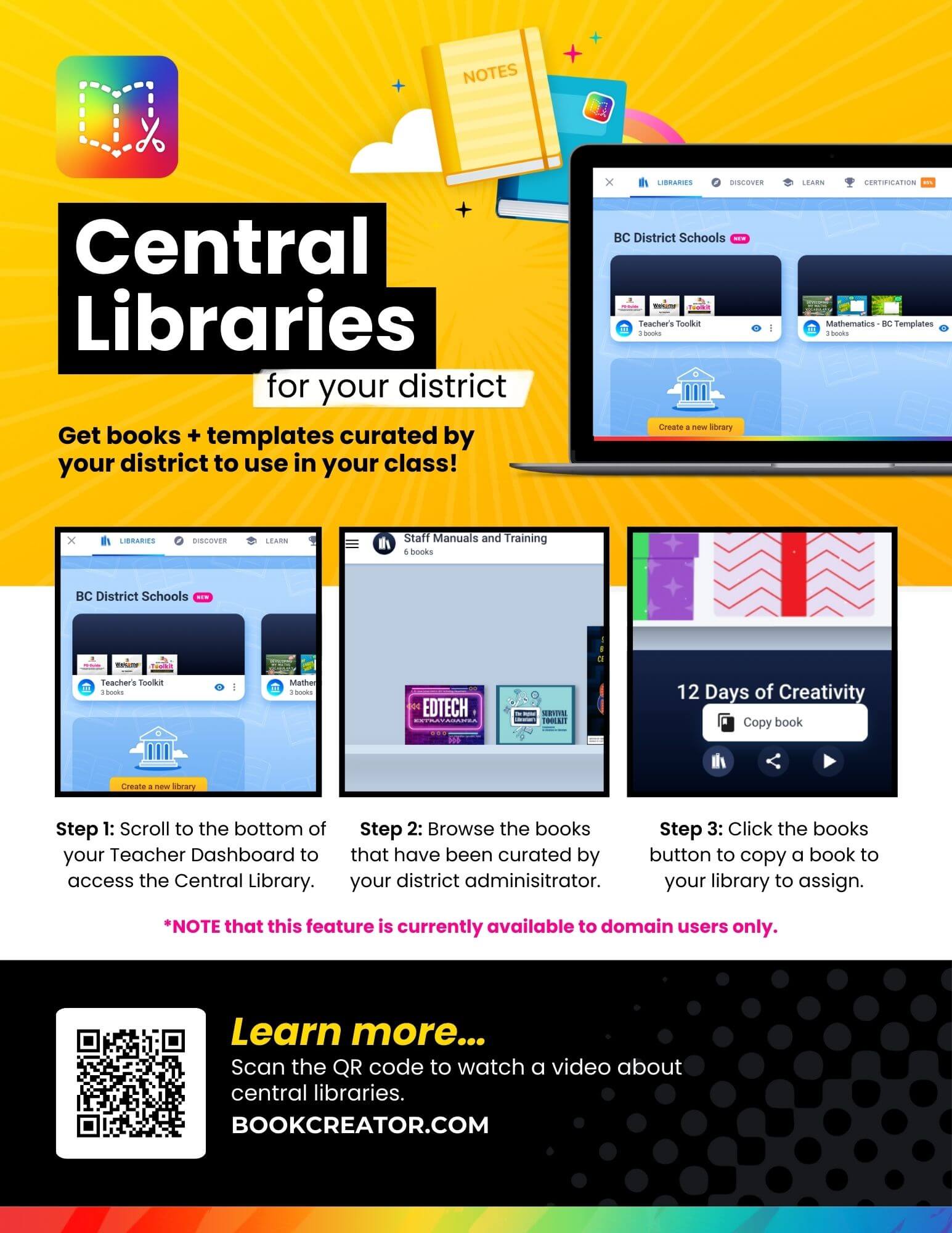
One-page explanation of how teachers can find central library content.
A promotional flyer for Book Creator's Central Libraries feature. The flyer has a bright yellow background with the Book Creator logo and visuals of a laptop and books. It explains how educators can access books and templates curated by their district: Step 1 – Scroll to the bottom of the Teacher Dashboard to find the Central Library. Step 2 – Browse books curated by district administrators. Step 3 – Click to copy a book into your own library for classroom use. A note states the feature is currently for domain users only. A QR code is included to learn more, along with the link: BookCreator.com.